

Bring the network outside
The router uses a SIM card and 4G coverage to create Wi-Fi access.

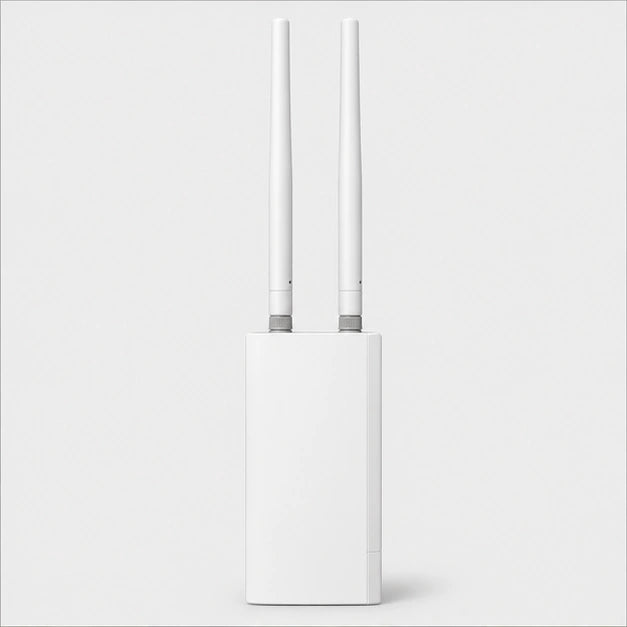
Share the 4G where it works best
Place the router in a location covered by your operator. It shares the SIM connection via Wi-Fi or Ethernet. The 150 Mbit/s reception speed corresponds to the theoretical maximum of the LTE Cat. 4 modem.
Available in stock
Order processing within 24–48 business hours. Estimated delivery within 4–8 business days of ordering, including processing.


Payments are processed by payment providers over encrypted connections. Available payment methods are shown at checkout.


Install the outdoor router at a location with suitable mobile coverage. The SIM card provides the 4G connection, then the router shares it via Wi-Fi for nearby devices.
View featuresThe router uses a SIM card and 4G coverage to create Wi-Fi access.
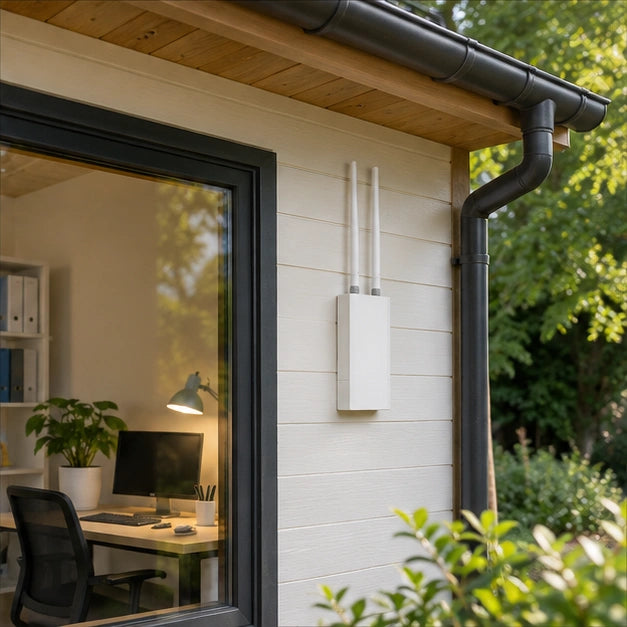
Test the mobile reception where the router will be installed.
Install the router where your 4G network is best received.

The RJ45 port connects an Ethernet device to the local network.
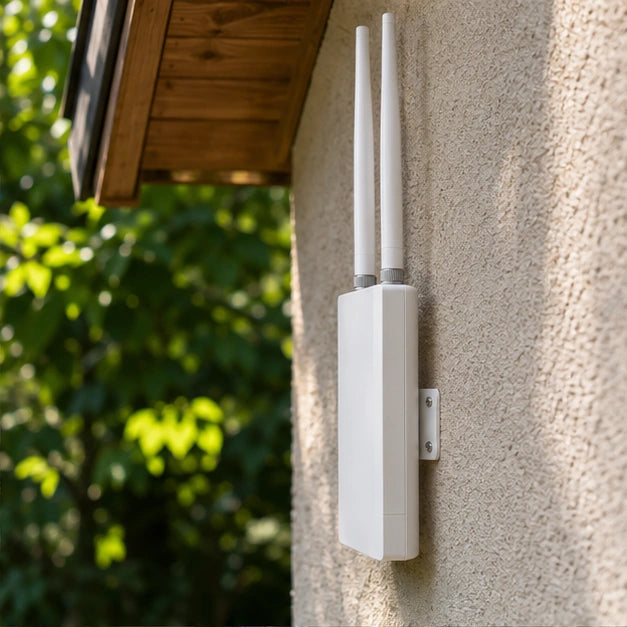
The 2.4 GHz local network serves compatible devices nearby.
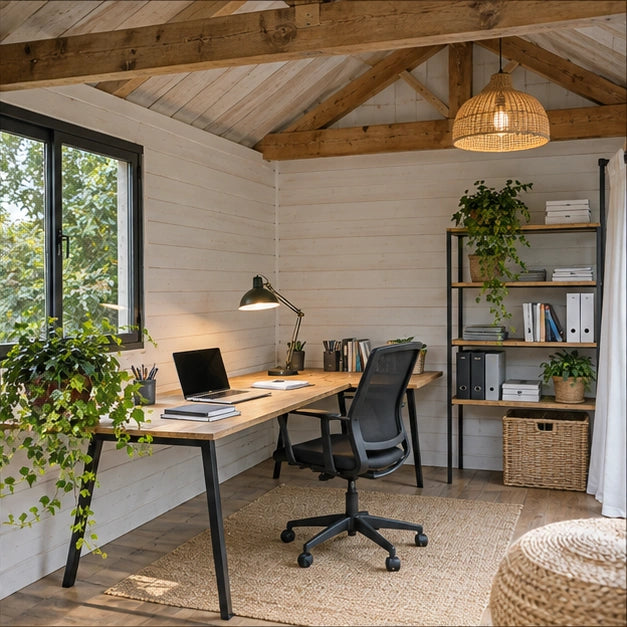
The router receives 4G outside the building. The connection reaches the devices via Wi-Fi or Ethernet, depending on the operator's coverage on site.

The right location depends first on the available 4G signal. Test the reception on site, then choose how to serve the nearby equipment, via a wireless network or via RJ45.

The router receives 4G outside the building. The connection reaches the devices via Wi-Fi or Ethernet, depending on the operator's coverage on site.
| Internet access | 4G SIM card |
|---|---|
| Local network | 2.4 GHz Wi-Fi and RJ45 |
| Housing | IP66 |
| Power supply of the offered version | European mains socket |
| Mobile broadband modem | 4G LTE Cat. 4 |
| Theoretical LTE data rates | Up to 150 Mbit/s download and 50 Mbit/s upload |
| LTE-FDD bands | B1, B3, B7, B8 and B20 |
| Ethernet port | 1 RJ45 port 10/100 Mbit/s |
| Wireless network | Wi-Fi 6 on 2.4 GHz |
The SIM card provides internet access depending on local reception. The building’s equipment connects via 2.4 GHz Wi-Fi or an RJ45 Ethernet port.

The desk is located at the back of the building, but the best mobile signal is on the courtyard side. First place the router where the 4G signal is stable. Then use the local network to connect your workstation.
The local network offers Wi-Fi and an RJ45 network jack. The Internet connection depends on the SIM card and 4G coverage.
Compare the 4G bands used on site with the router's B1, B3, B7, B8 and B20 bands. Even with a common band, speed depends on reception and network load at this address.
A building, trees or the terrain can change reception within a few meters. Test the chosen network's SIM card on site before finalizing the location.
Yes, the router has a 10/100 Mbit/s RJ45 Ethernet port. Plan the cable route between the router, placed where the 4G reception is good, and the computer.
The router receives 4G outside the building. The connection reaches the devices via Wi-Fi or Ethernet, depending on the operator's coverage on site.

Clear information, secure checkout and support by email.
We help you choose products that suit your home.
Free returns within 30 days, subject to our return policy. Applicable statutory rights are unaffected.
Delivery estimates vary by product and shipping location. Please refer to the US delivery estimate on the product page. Order processing takes 1–2 business days.
Payments use an encrypted connection. Available payment methods are shown at checkout.

Track your package at every step using the link provided in your shipping email.

Changed your mind? Return your product for free, with no hidden fees or conditions.

Transactions protected by SSL encryption – Visa, Mastercard, PayPal, Apple Pay.

Email support: support@homegard24.com. Every day, 8:00 a.m.–8:00 p.m. (Paris time).

Responsive team at your service by email

Add to cart, check out, receive. We’ll take care of the rest.

Thousands of homes already protected with Homegard.


